

You are three slides into the pitch, the investors are nodding, and then you show a screenshot of your product with a receipt in it that is obviously fake. A placeholder logo, item one, item two, item three, a total that does not add up. In that instant your polished product looks like a prototype, and you have handed the room a reason to doubt it. The content inside a demo sells the demo, and for any product that touches receipts, that content has to look real. A fake receipt is the quiet fix.
Why demo content makes or breaks a pitch
Founders obsess over the deck’s design and the product’s interface, then fill both with throwaway sample data. It is a mistake, because audiences judge believability through the content, not the chrome. An expense app shown with a realistic receipt feels shippable. The same app shown with a cartoon receipt feels like a school project. Investors, customers and partners are pattern matching on whether this looks like a real working business, and fake looking data quietly answers no.
This is especially acute for fintech, expense management, accounting, e commerce, loyalty and receipt scanning products, where receipts sit front and centre. But it shows up anywhere a transaction appears in a screenshot.
The data dilemma every startup hits
The instinct is to use real receipts, either your own or an early customer’s. Both are bad ideas. Your own receipts expose your personal financial details to a room of strangers. A customer’s receipts expose their data, which is a privacy and trust violation you do not want attached to your pitch. And neither gives you control, because you cannot make a real receipt show the exact scenario, store and amounts that best demonstrate your product.
So founders need data that looks completely real but contains nothing real. That is precisely what a generated receipt provides.
Building demo ready receipts
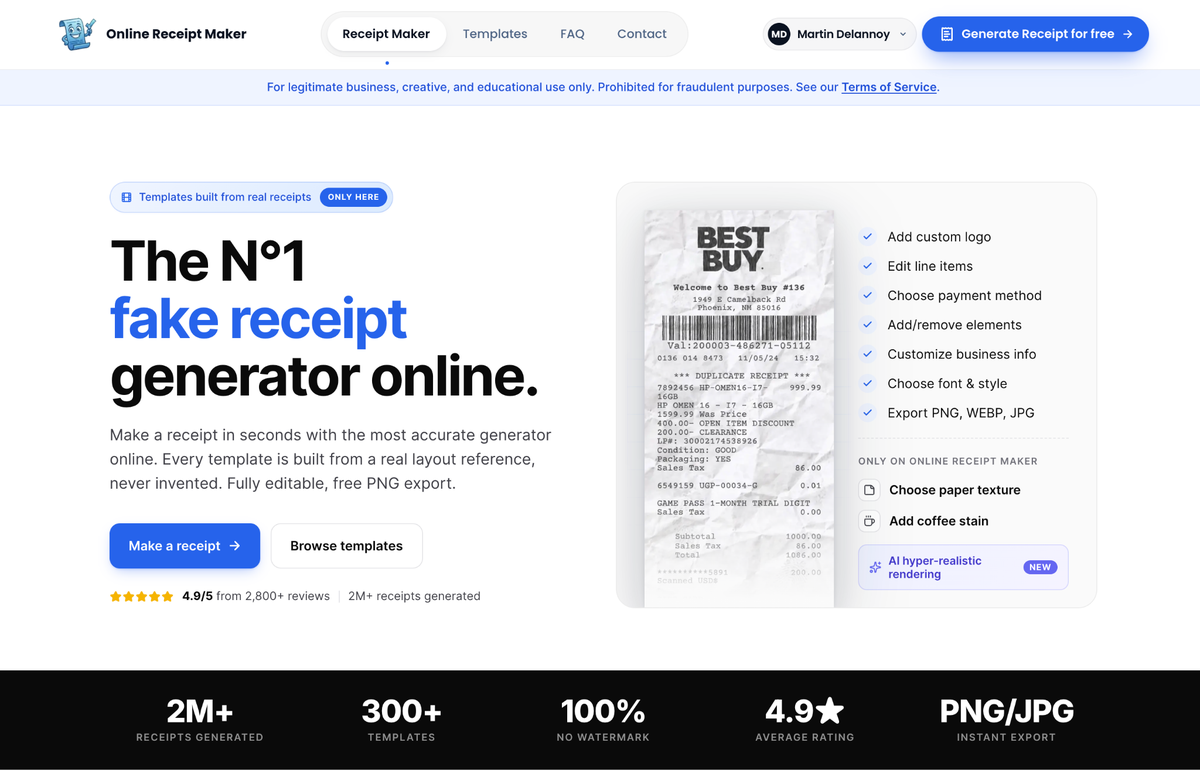
For pitch material that will be projected, screenshotted and scrutinised, quality matters, so start with a tool whose templates are accurate. Online Receipt Maker lets you craft receipts that match the story you are selling. If your product helps freelancers track expenses, generate the receipts a freelancer actually accumulates, like co working space, software, client lunches and travel. Edit the stores, amounts and dates to tell the story your slide needs, and export clean, watermark free images that drop into a deck or a product screenshot at full resolution. Because the templates come from real scans, they survive being blown up on a projector.
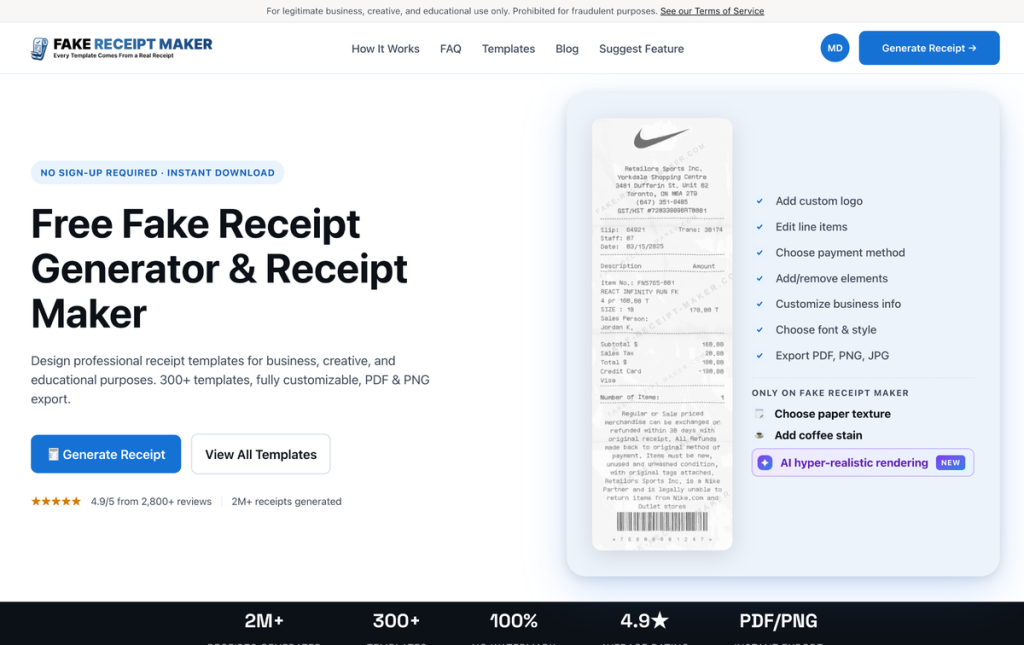
When you need a volume of varied receipts to populate a live demo, a scrolling feed or a dataset behind a working prototype, speed is the priority. Fake Receipt Maker handles that with a fast three step flow and PDF or image export, so you can fill an interface with believable, varied transactions in minutes rather than faking them one card at a time.
Tips for receipts that strengthen a demo
A few principles make generated receipts pull their weight on stage. Tell a story with the data, curating receipts that demonstrate your product’s value rather than random ones, so if you highlight automatic categorisation the set should span clear categories. Vary the details, because a feed of identical receipts looks staged. Keep amounts realistic, since a plausible price keeps the audience focused on your product instead of a nine thousand dollar sandwich. Match your target customer, because business receipts look different from consumer ones. And stay consistent across slides, so a recurring fictional user keeps the same details and the narrative holds.
A pre pitch checklist
Before the deck goes in front of anyone, run a quick pass over every receipt that appears in it. Do the totals on each one reconcile, since an investor who works in finance will notice if they do not? Is the recurring fictional customer consistent from slide to slide? Do the amounts sit in a believable range for the scenario you are selling? Does every receipt actually support the feature on its slide rather than just filling space? And is there enough variety across the set that it reads as real usage? Five minutes of this check is cheap insurance against the one moment a sharp prospect spots a placeholder and starts quietly doubting everything else on screen.
The privacy upside
There is a benefit beyond looks. Using generated receipts means you never put real financial data, yours or a customer’s, into a deck, a recorded demo, a sales screenshot or a store listing. For a young company trying to earn trust, that is not small. It keeps you clean on privacy and removes a whole category of mistake, the screenshot that accidentally contained real data, that is surprisingly common and genuinely damaging.
A note on legitimate use
Demos, pitch decks, marketing screenshots and sample datasets are textbook legitimate uses, exactly what these tools are designed for, as both sites state on their own pages. Using a generated receipt to deceive anyone in a real transaction is a different thing entirely and is prohibited by both services. Illustrating your own product with realistic sample data sits squarely on the right side of that line.
Bottom line
Your demo is only as convincing as the data inside it, and fake looking receipts undercut an otherwise strong pitch. A fake receipt lets you generate realistic, varied, story driven examples that make your product look shippable, without ever exposing real financial data. Curate the set to demonstrate your value, keep it consistent and plausible, and let the audience focus on what your product does instead of wondering why the sample receipt looks like a placeholder.
